.webp)


%20(1).png)
Jouw dermatoloog Dr. Devos, nu ook online.
Stuur foto's van je huidprobleem naar Dr. Devos en start je consult meteen online, zonder afspraak of wachtzaal.
- Completely online
- Your own dermatologist
- 4.8/5 on Trustpilot

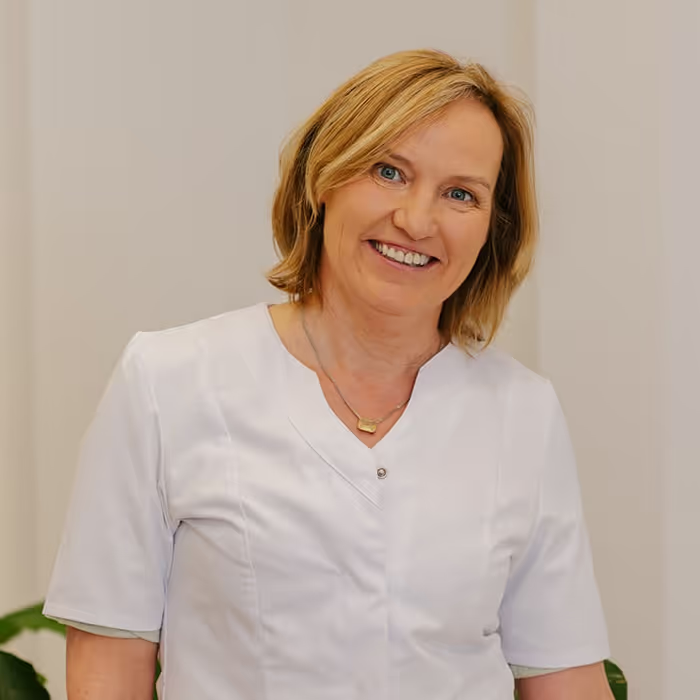
Ik ken mijn patiënten. Met Skindr geef ik hen hetzelfde vertrouwde advies, nu ook van thuis uit.
In 4 simple steps to an online consultation with a dermatologist you trust.

Download the app or open the web app
You can start on your phone or simply in your browser. Choose whichever is most convenient for you; both work equally well.

Easily create your account
You can create your account in just a few minutes. Your data and photos will then be securely stored in one place.

Enter the verification code from your dermatologist
Use the code provided by your dermatologist to link your account directly to the right doctor. This ensures your question goes straight to them.
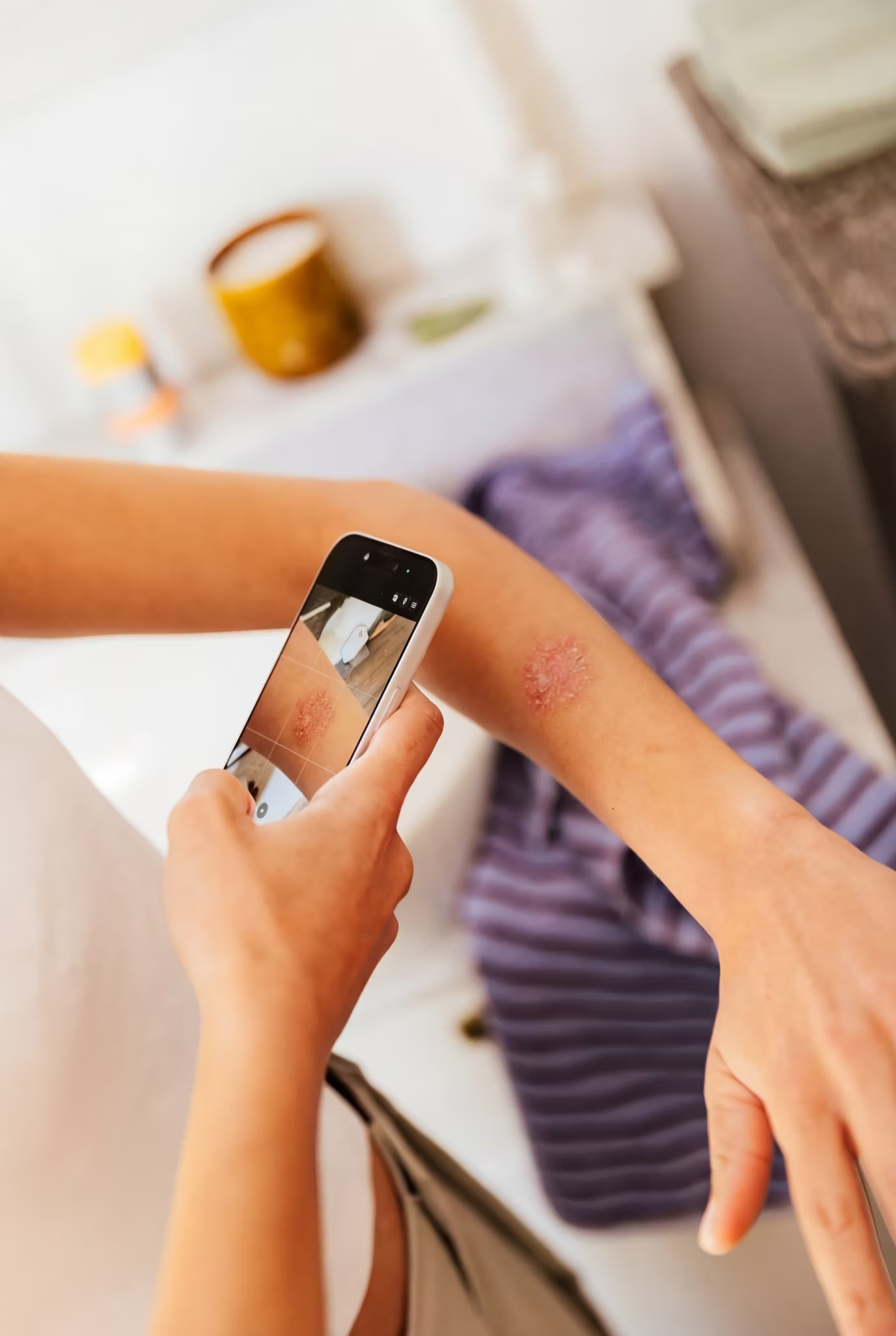
Start your consultation
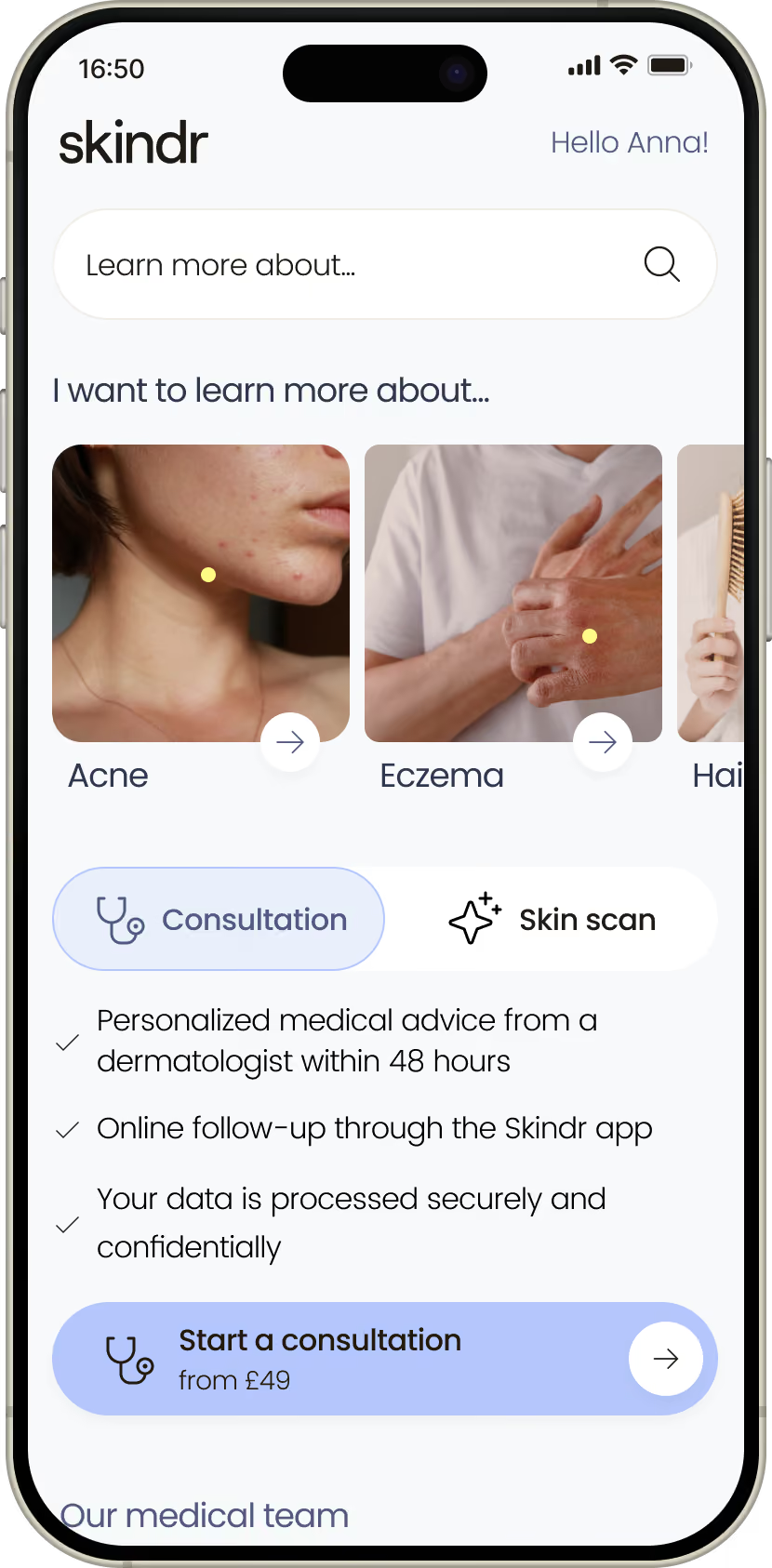
Describe your skin concern and add a few photos. Your dermatologist reviews everything and gives you personalised advice.

Your dermatologist
Dezelfde vertrouwde dokter, nu ook online.
Dr. Devos kent jou en je huid al. Via Skindr stel je je vraag van thuis uit en krijg je snel een persoonlijk antwoord, tot en met je persoonlijke advies.
You already know us
Receive advice from your own dermatologist, not a stranger. The same doctor, the same medical record, the same care.
Upload your skin concern
Send photos and answer a short questionnaire in the Skindr app, wherever you are.
Fast and completely online
From photos to advice and follow-up: your entire consultation takes place digitally, with no need to visit the clinic.

Frequently asked questions
Questions about the app? Here you can quickly check out the answers to the questions we get most often.
What is Skindr Pro?
With Skindr Pro, you can consult your own dermatologist entirely online. It is the same doctor you already know and trust, but powered by Skindr technology. You describe your skin concern, upload photos, and receive personalised advice, all without having to travel or wait for an appointment. With a standard Skindr consultation, you are matched with an available certified dermatologist. With Skindr Pro, you stay with your own doctor.
How do I connect with my own dermatologist?
To connect with your own dermatologist via Skindr Pro, you need a verification code. You will receive this directly from your dermatologist. Here is how it works:
- Ask your dermatologist for your verification code.
- Open the linking page at app.skindr.com/validate-doctor-code
- Enter your verification code to connect with your doctor.
- All set. You can now start a consultation with your own dermatologist.
I don't have a Skindr account yet. How do I link my dermatologist?
No problem. First, create an account and then link your dermatologist. The process depends on how you use Skindr:
If you create your account via the web app, you will be automatically directed to the linking page after registration. Simply enter your verification code to connect with your dermatologist.
If you prefer to use the Skindr app, first make sure you have downloaded the app and created an account. Then, click the link app.skindr.com/validate-doctor-code. The app will open automatically and take you directly to the linking page, where you can enter your verification code to connect with your dermatologist.
How do my patients get reimbursed?
If your patient is a Helan member, they get €9 off their consultation once a year. To get it, your patient needs to download the Skindr app through Mijn Helan on the Helan website. More information and the exact terms and conditions are on the Helan website.
Is your patient insured with DKV? Then they can easily submit their Skindr proof of payment to their outpatient insurance. The reimbursement is then handled directly by DKV.
AG Insurance (AG) customers get €9 reimbursed once a year through Easly, AG's official health partner. They can submit their request digitally and the reimbursement is handled efficiently.
The skin care app for
advice from real dermatologists

](https://static.legitscript.com/seals/624359.png)